Competition management
Create a competition in 30 seconds from a template, register teams or shooters in bulk, or enter one shooter under a specific category for that competition only.
Registrations, score entry, live rankings by category and team, print-ready PDFs. Shoot Ledger replaces your club's spreadsheets and loose score sheets — even without an internet connection.
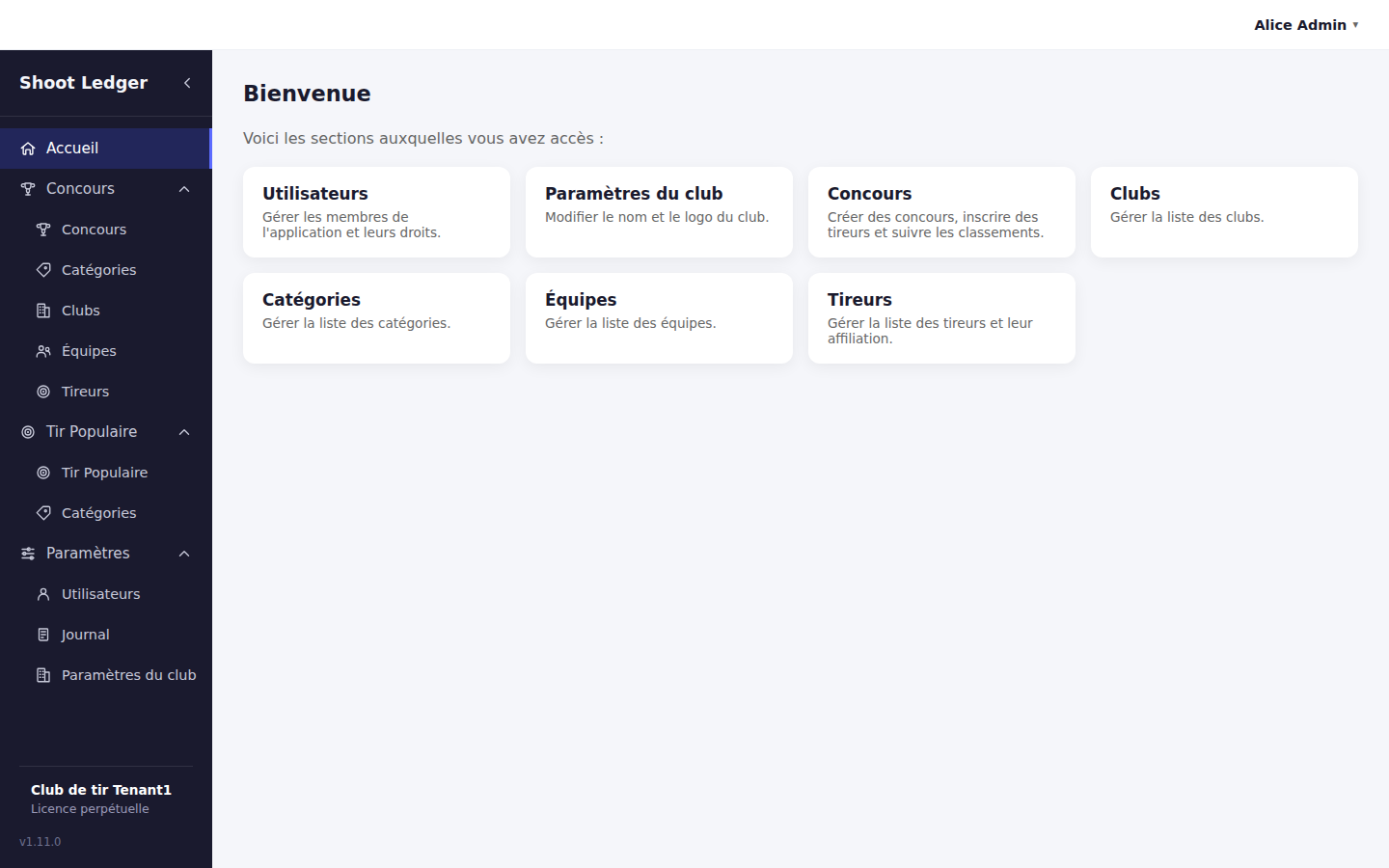
Your club's volunteers deserve better than a fragile spreadsheet retyped by hand until midnight.
One app for your competitions, shooters, teams and volunteers.
Create a competition in 30 seconds from a template, register teams or shooters in bulk, or enter one shooter under a specific category for that competition only.
Fixed series (0–10) and honour series (0–15) by default, or your own series. Bullseyes, target number, and score cards that lock once saved.
A ranking per category and a team ranking, generated automatically, with your own tie-break criteria.
Full results and individual score cards matching your paper form, plus one bundle per participating club with its shooters' cards.
Your member directory with club, category and team editable right in the table — no form to open.
Give every volunteer exactly the access they need. Every sensitive action is recorded in the audit log.
Fixed + honour series, a virtual match of 5 rows of 5 targets… Describe your series, scoring and ranking criteria once, reuse them for every competition.
Club championship, end-of-year challenge: an internal competition stays between you, never visible to the federation, even once closed. With the Internal competitions module.
Registered in bulk but absent on the day? When the competition closes, shooters who never shot are taken out of the final results.
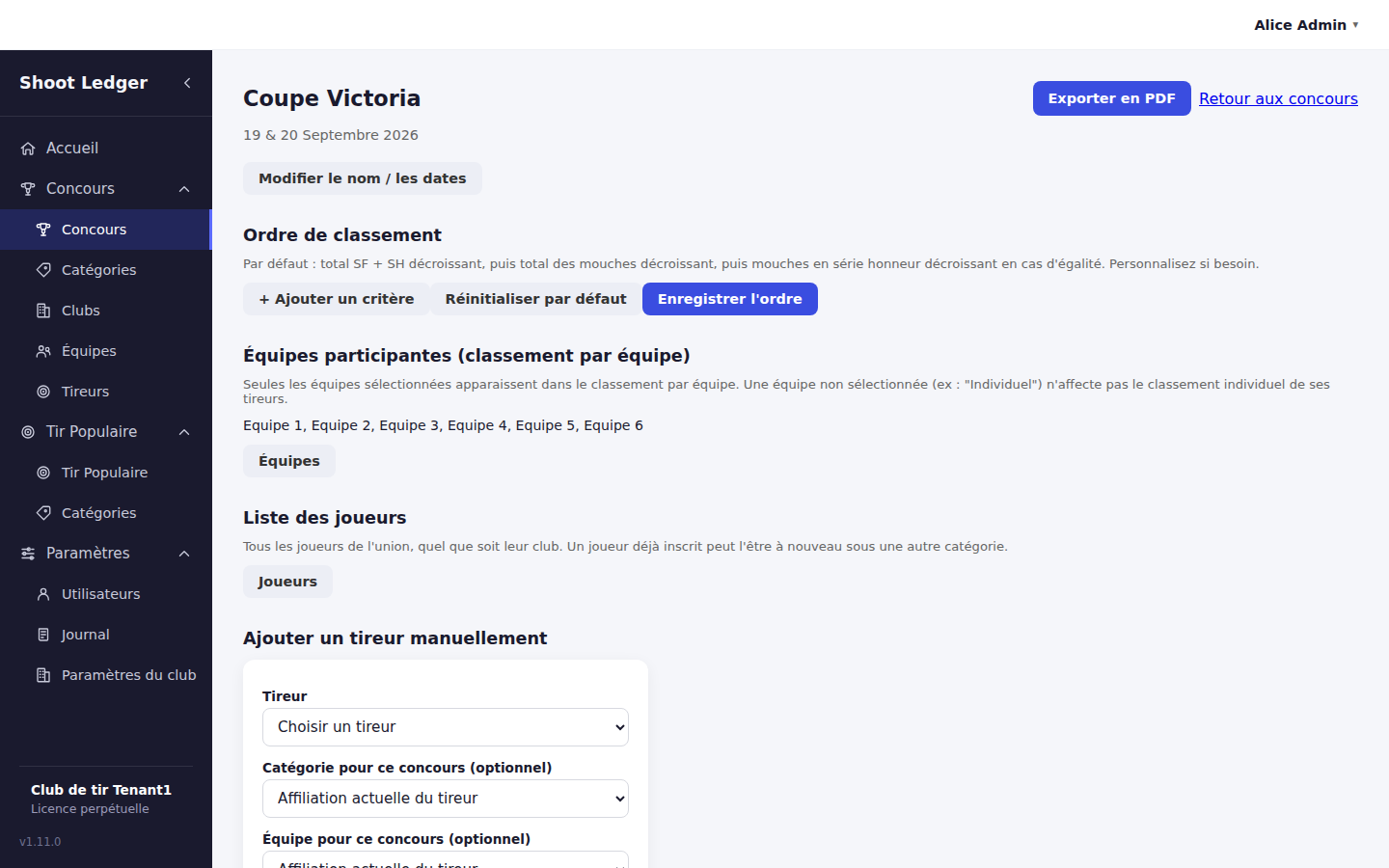
Click a shooter, type their scores: each series' total and the bullseyes update as you type. The card follows your competition's format, and impossible values are rejected outright.
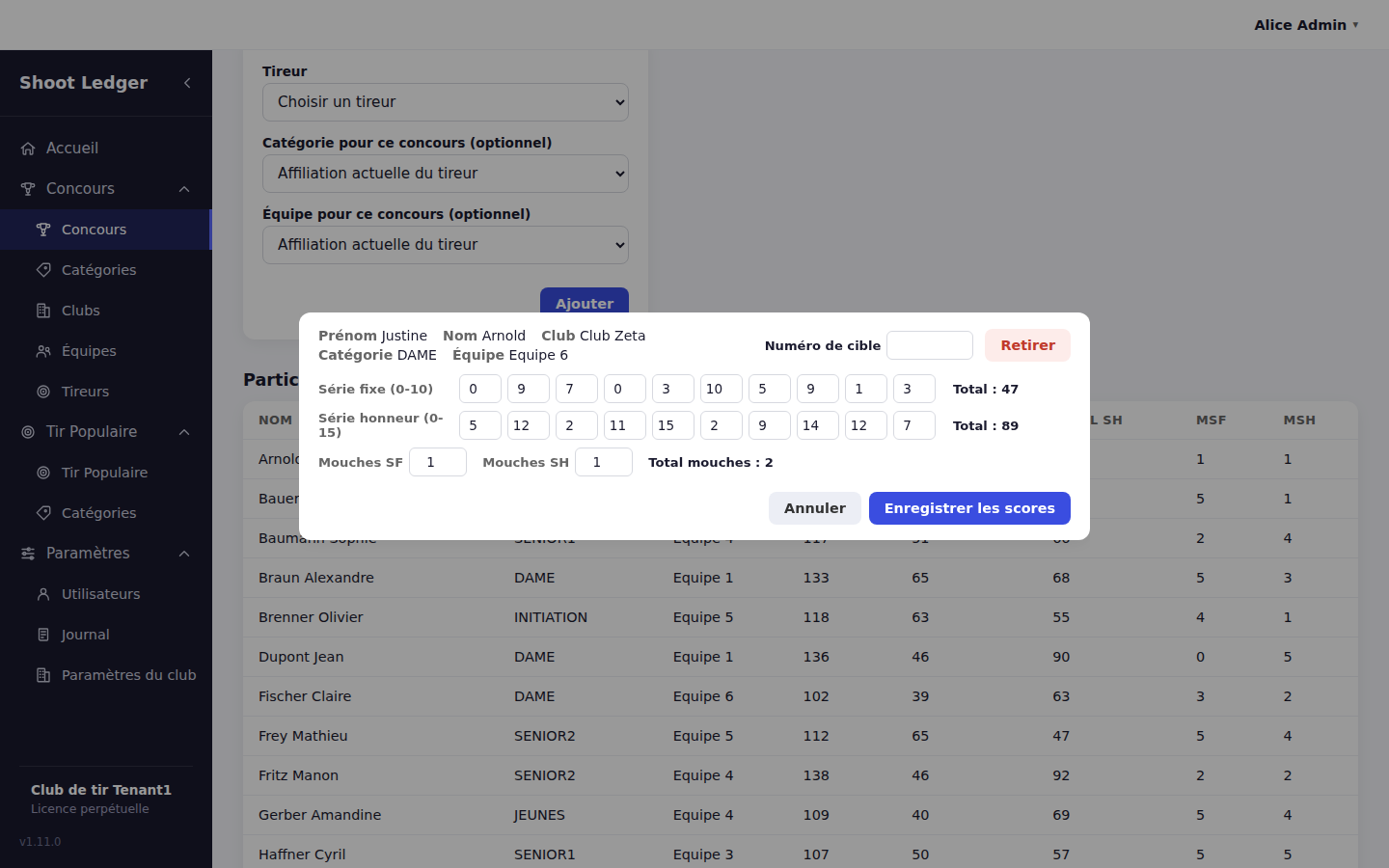
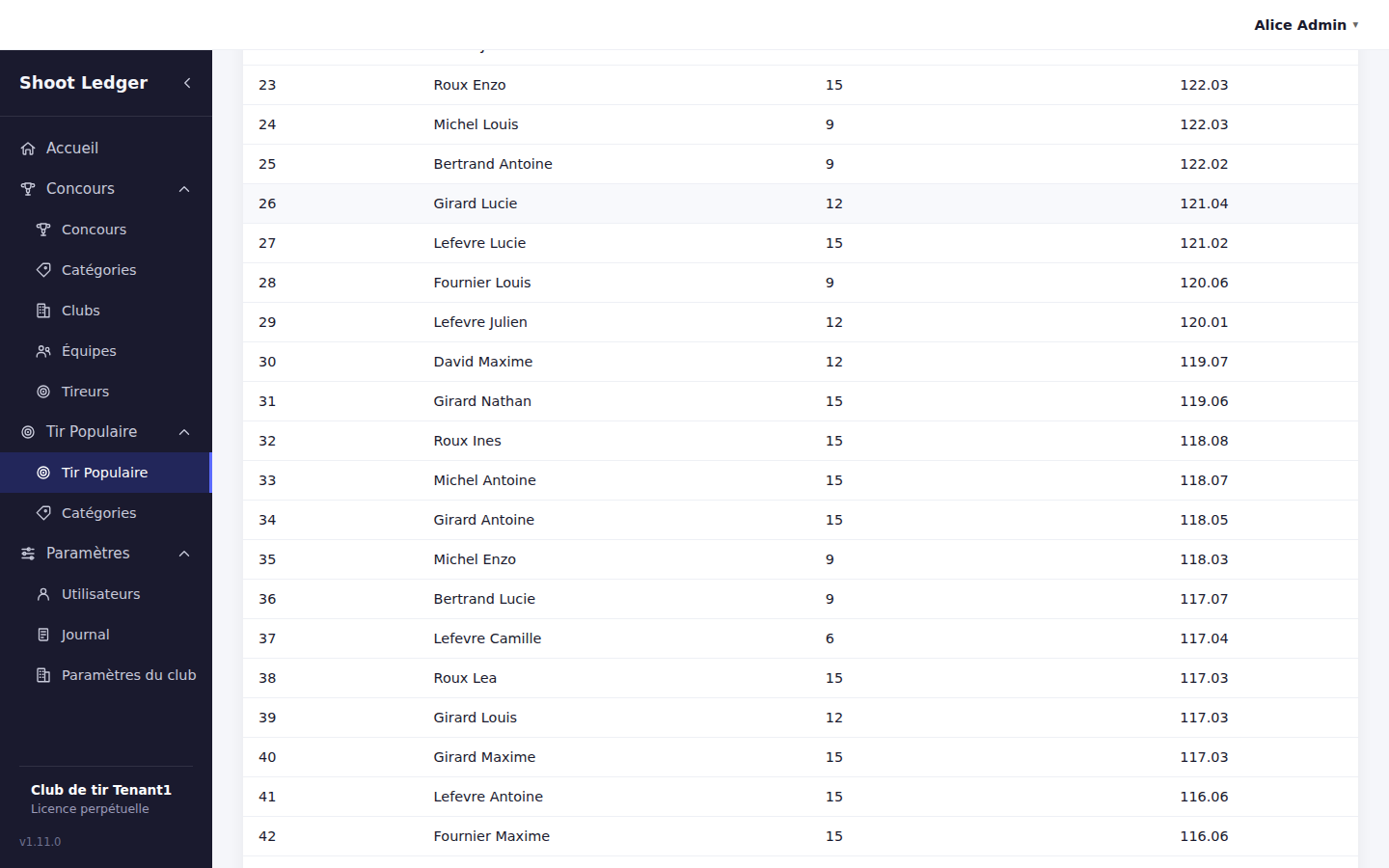
Every saved score updates its category and team rankings. By default: total, then bullseyes, then honour-series bullseyes. Got your own rules? Build any order of criteria you like: overall total, bullseyes, a series total, number of maximum-score targets, ascending or descending.
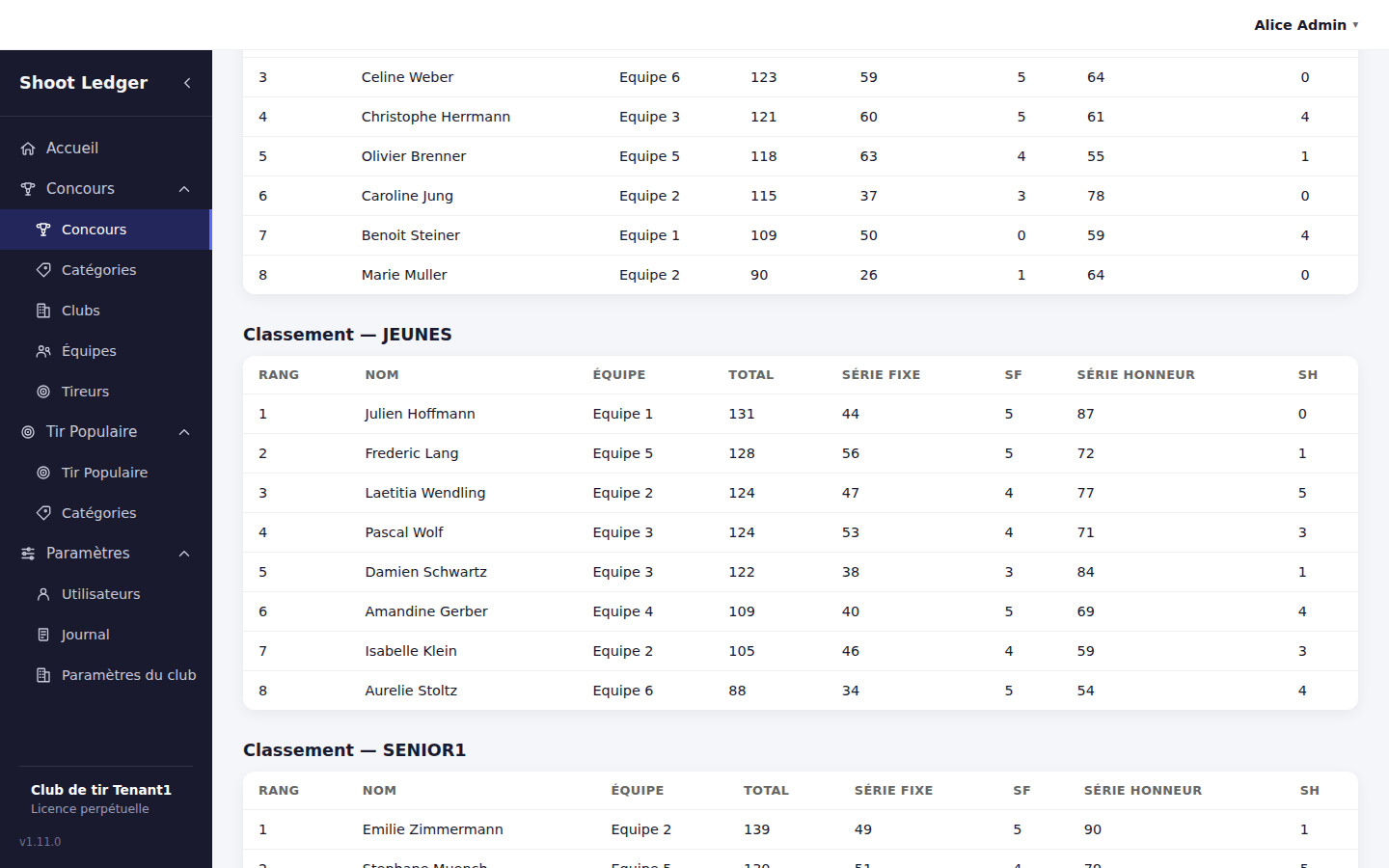
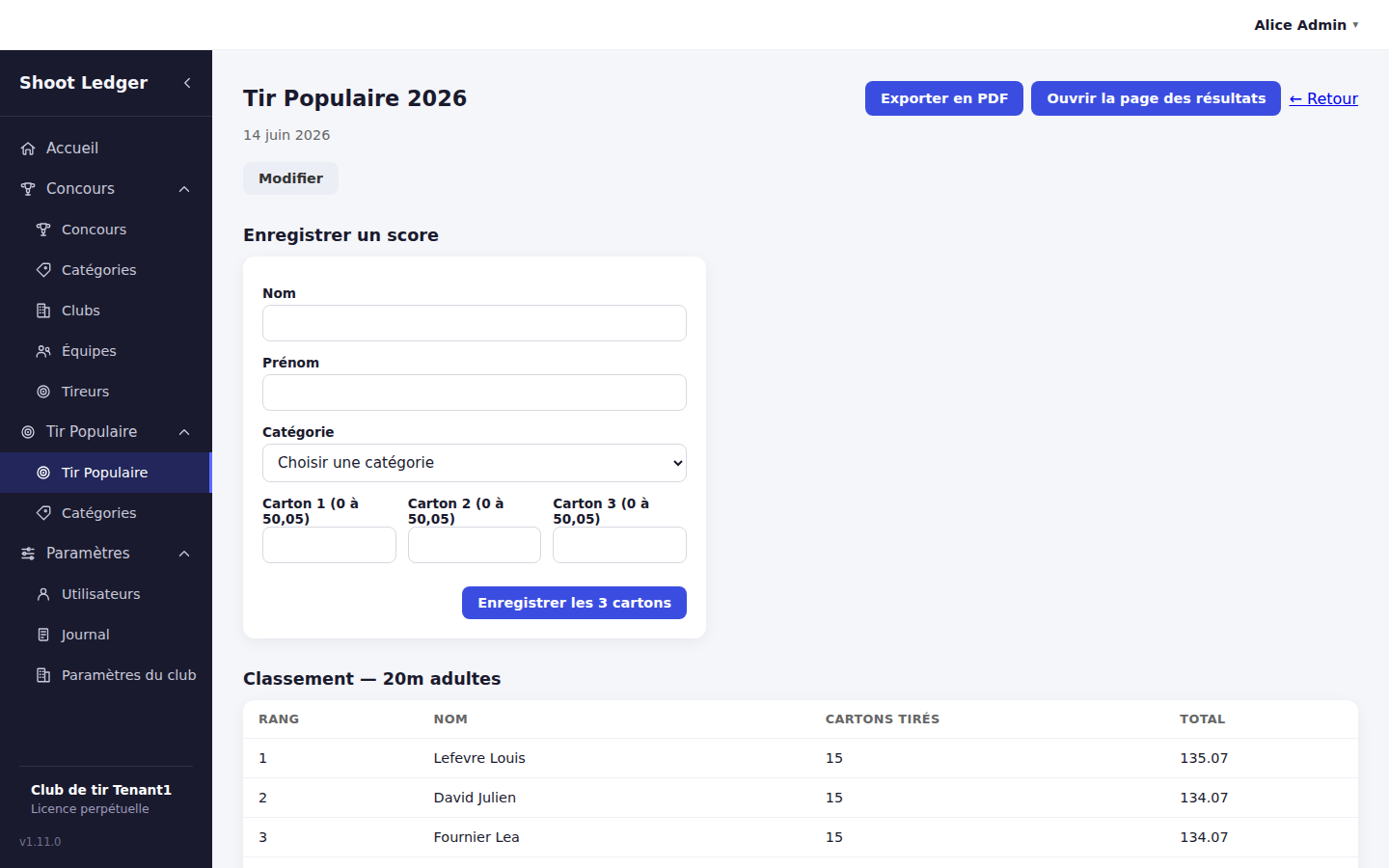
For events open to the public, no prior registration needed: enter the participant's name, category and cards. The ranking updates instantly.
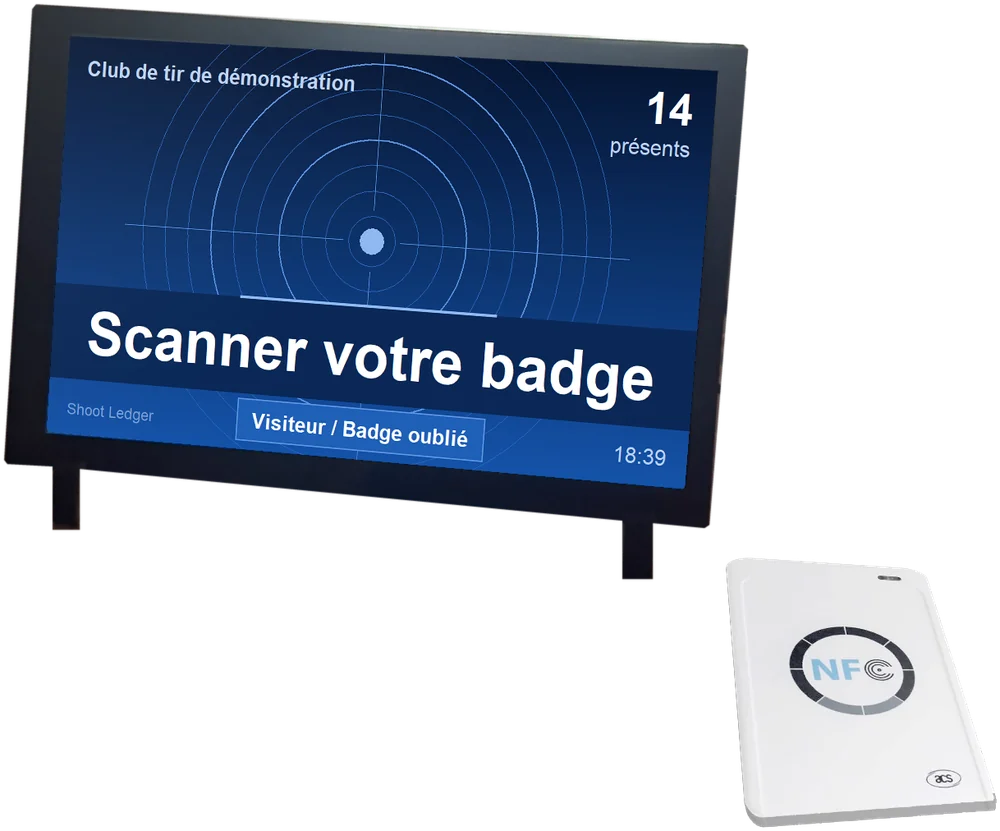
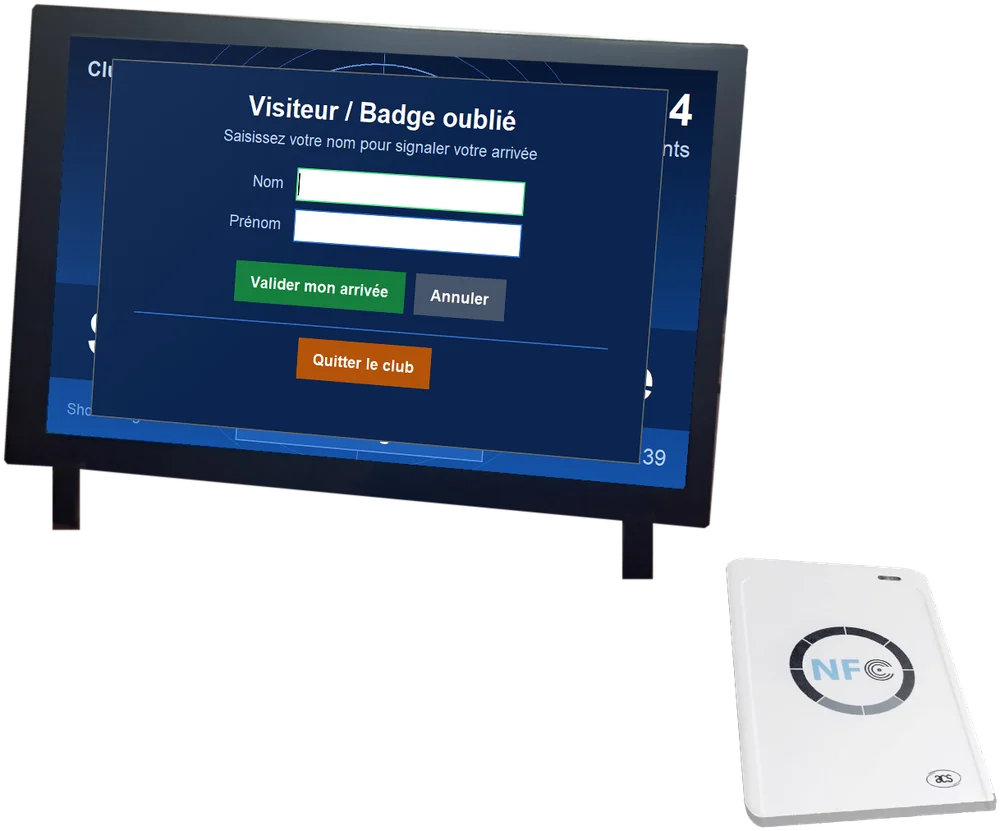
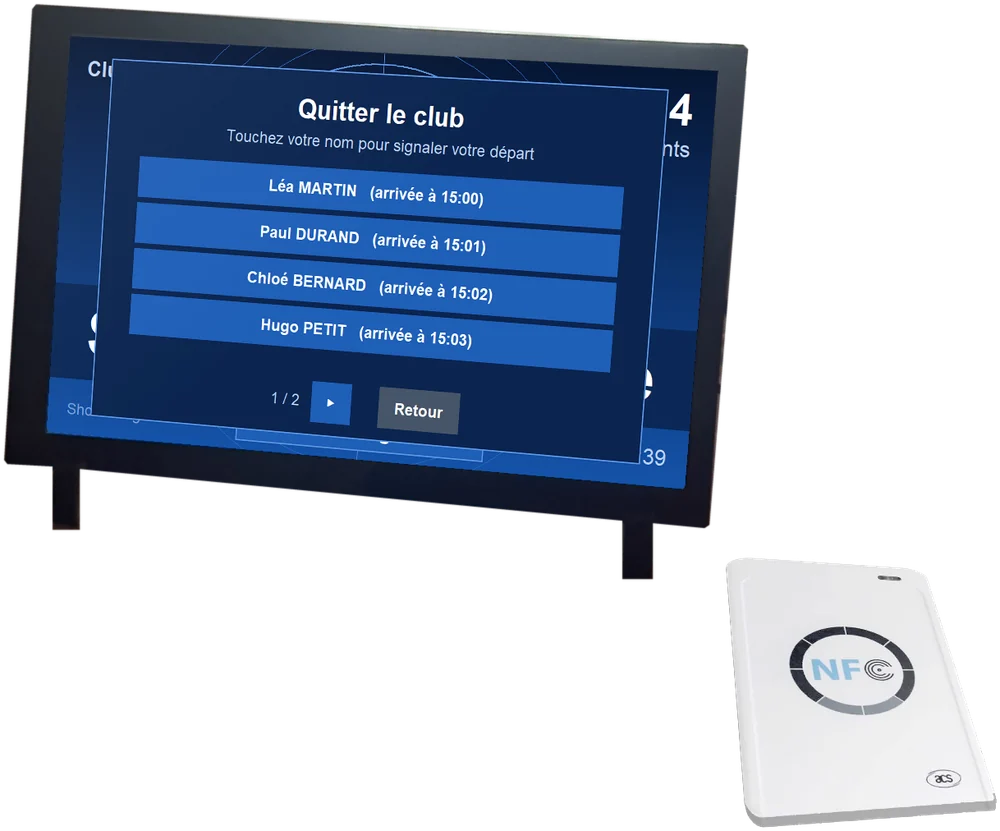
An NFC badge reader at the club entrance: everyone taps their badge on the way in and out. Managers see who is present in real time, the history is kept so it can be shown on inspection, and the statistics show who comes, when and for how long.
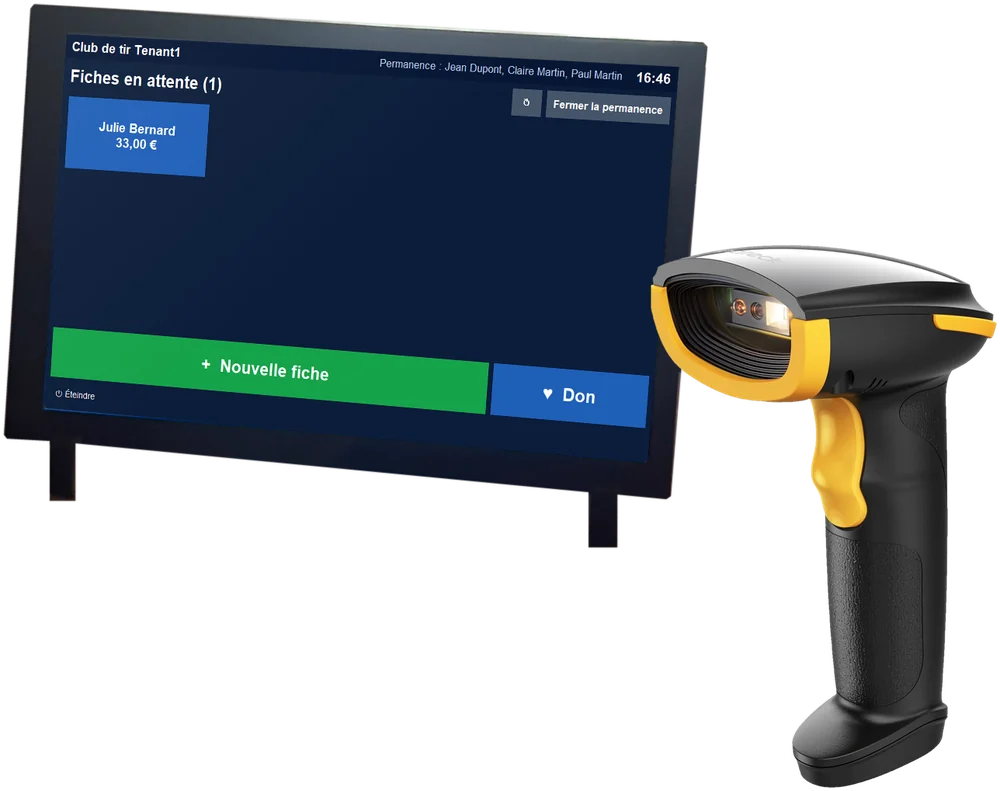
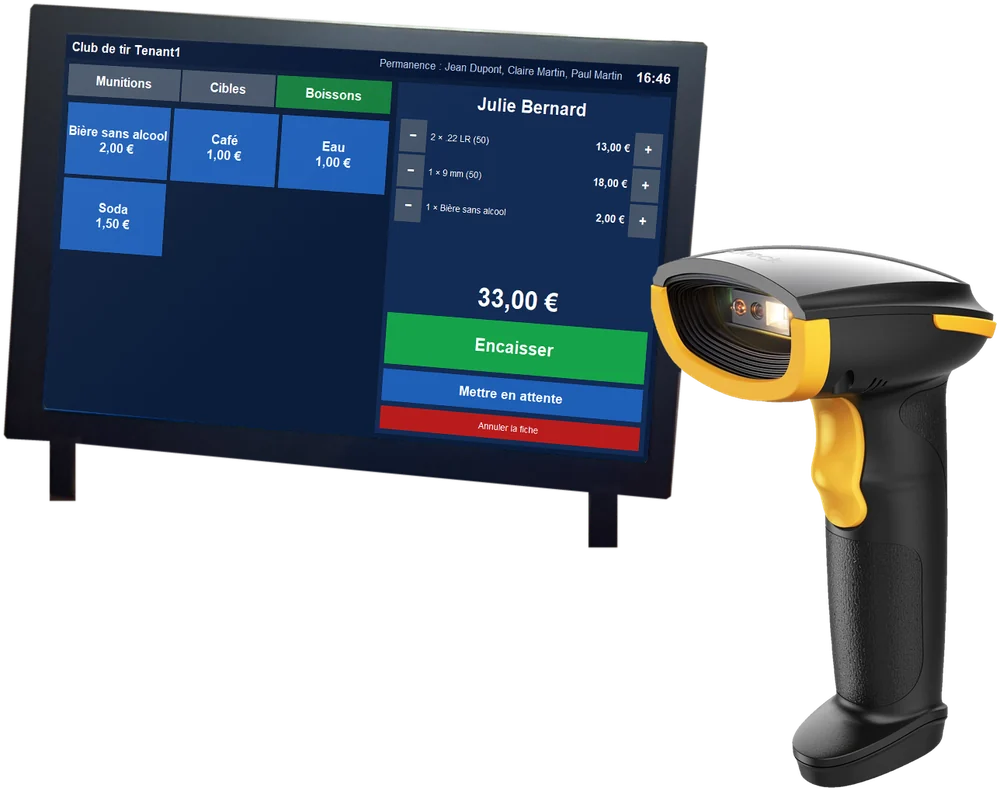
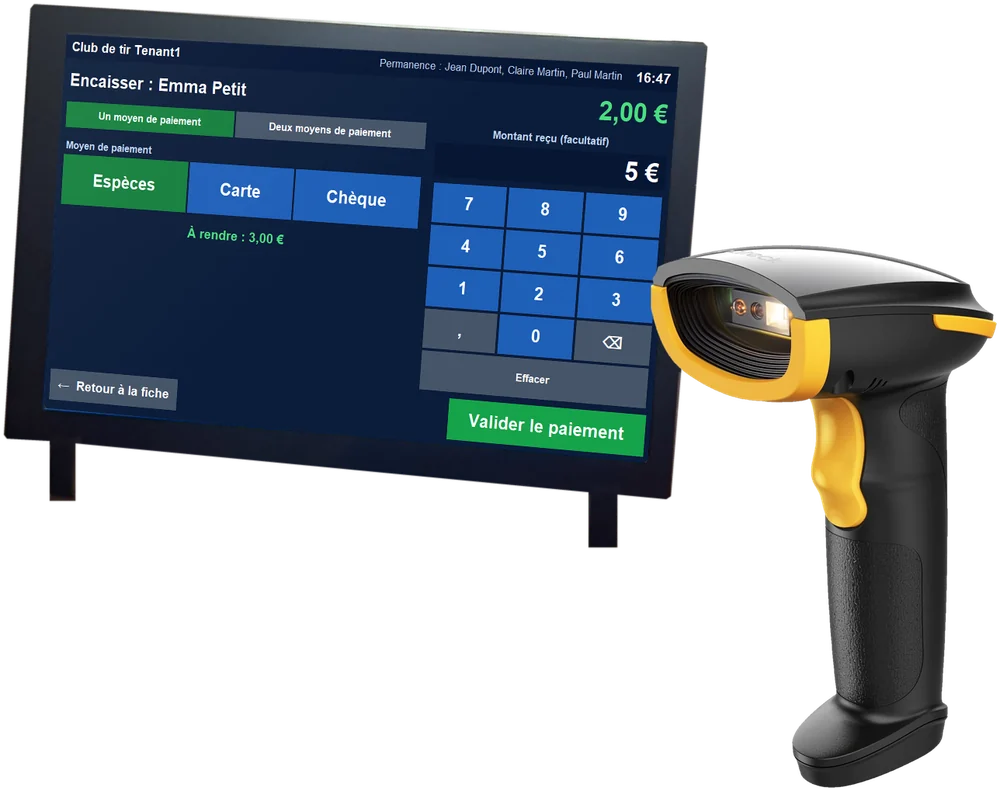
A touchscreen till at the club: the members on duty open a tab for each member present, add ammunition, targets and drinks during the visit, then take payment by cash, card or cheque. Products, prices and categories are managed online.
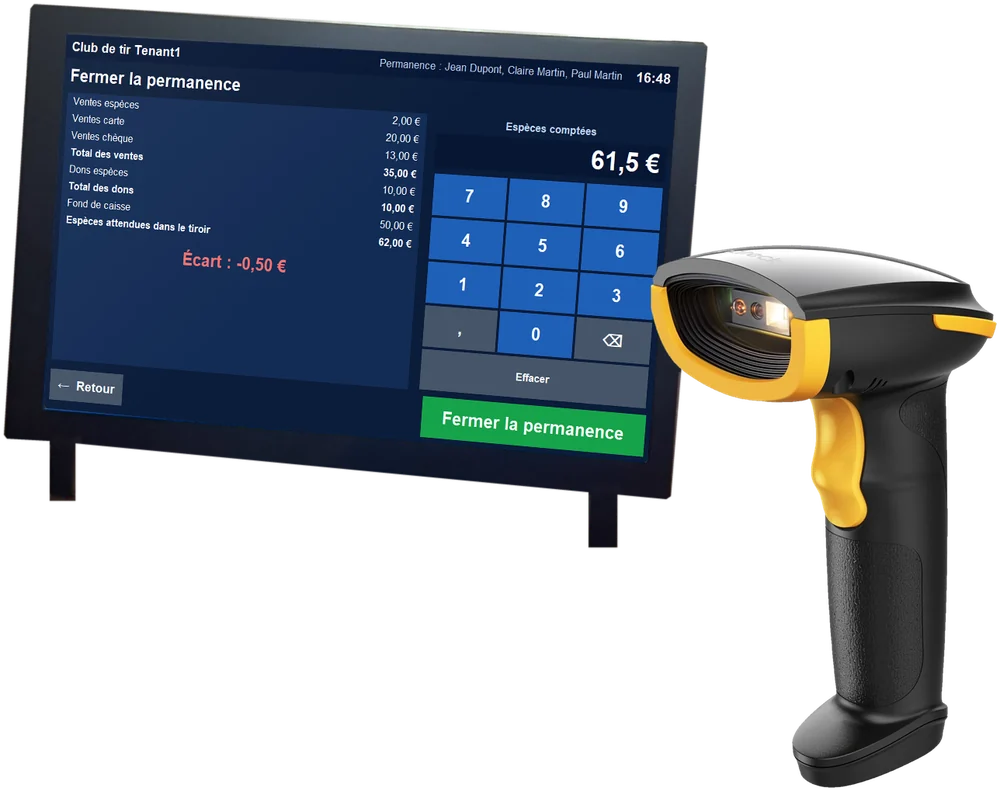
Every sale at the till updates the stock. You always know what's left, what's missing, when to reorder and what your stock is worth.
Record your purchases of ammunition, targets and drinks with their purchase price: the unit cost is worked out. Quantities take decimals: 8.5 boxes means 8.5 boxes.
First in, first out: 10 boxes at €10, then 10 at €15, 5 sold? The 15 left are worth €200. Value per product and in total.
The stock as it stood on the evening of 31 December, valued, for the year-end closing. A forgotten purchase price can be filled in afterwards.
Count, compare with the expected stock, validate: gaps are corrected and every movement stays on record.
Of the 1,000 boxes in the reserve, only the 10 brought to the range are on sale. Reserve and buffer are tracked apart.
A product can use up others: a discovery shoot takes half a box of cartridges and five targets off the stock.
When a duty opens and closes, ammunition is counted blind, then compared with the expected stock.
Track the stock of what isn't sold over the counter too: it stays in the inventories without cluttering the till.
Install Shoot Ledger on the range PC. Everything is bundled: no prerequisites to install, no connection needed during the competition.
From your online space, download your list of shooters, teams and categories.
Run the whole competition on the range PC, offline: registrations, scores, rankings, PDFs.
Close the competition and import it back online. Results join your club's and federation's history.
Shoot Ledger grows with your organisation.
A dedicated web address, your name and logo, your shooters and competitions. Affiliated to a federation? Your internal competitions, with their internal categories and teams, stay between you.
Follow the results of all your affiliated clubs, manage shared categories and access competitions as soon as they close.
Register shooters from any club in the federation, with their up-to-date affiliation.
A dedicated interface for phones and tablets, installable like an app.
English, French, German: every volunteer picks their language. Light or dark theme.
An isolated space per club, fine-grained user permissions, secure password reset.
An audit log of sensitive actions: who created, deleted or changed what, and when.
No. Shoot Ledger runs in the browser on computers, tablets and phones. Each club gets its own web address. An installable version is also available for ranges without internet access.
Yes. Offline mode installs on a Windows, macOS or Linux PC with no prerequisites. Export your shooters from the online space, run the competition on site, then import the closed competition back.
By default, rankings sort by fixed series + honour series total, then by bullseyes. Each competition template sets its own order of criteria: overall total, bullseyes, a series total, number of maximum-score targets, ascending or descending. A ranking is generated per category, and per team when teams are selected, over the number of best shooters you choose.
Yes. The fixed + honour series format comes built in, but you create your own competition templates: series, number of targets, maximum score per target, whether bullseyes are counted, which series count towards the total, and how many targets per row, so the screen and the PDFs mirror your paper card.
Yes. A federation sees the consolidated results of its affiliated clubs, manages shared categories, and clubs can register shooters from the whole federation in their competitions. A club's internal competitions, with its own internal categories and teams, stay invisible to the federation.
With the Presence module, an NFC badge reader at the club entrance records everyone's arrival and departure. Visitors and members who forgot their badge simply type their name on the reader's screen. The history is kept and can be exported as CSV.
Yes. The attendance statistics show, over the period of your choice, the number of visits and of members who came compared with the period before, attendance day by day, the busiest days and hours, how long visits last, the ranking of the most present members and the list of those who didn't come. The ranking and the detail of the visits export to CSV.
With the Cash register module, the members on duty open a tab for each member present on a touchscreen till, add ammunition, targets and drinks, then take payment by cash, card or cheque, or split between two methods. Products are scanned with a barcode scanner, and visitors at a public shoot pay through a free sale. Donations are recorded too. At closing, the cash is counted and the difference shown. Everything is saved online: a power cut loses nothing.
Yes, with the Cash register module. Purchases are recorded as stock entries, every sale takes the products and their components off the stock (a discovery shoot can take half a box of cartridges and five targets), and inventories compare the counted stock with the expected one. A buffer stock keeps the reserve apart from the few units brought to the range, and ammunition is counted when each duty opens and closes.
Each stock entry can carry the purchase price paid, from which Shoot Ledger works out the unit cost. The stock is valued first in, first out (FIFO): units always leave oldest first, and what's left is valued at the price of the latest purchases. For instance, 10 boxes bought for €100 in January then 10 for €150 in February, 5 sold: the 15 left are worth €200. The value shows for today or for the date of your choice, for instance for the year-end closing.
The interface is available in French, English and German. Each user picks their language and a light or dark theme.
Drop us a line: we'll show you Shoot Ledger with your own club's data and help you through your first competition.
Book a demo